Element library
Questions, content and rubrics
31 element types, including 26 interactions, passages, video and three rubrics. 30 include editors; 12 include print views.
31 of 31 elements
Choice and text
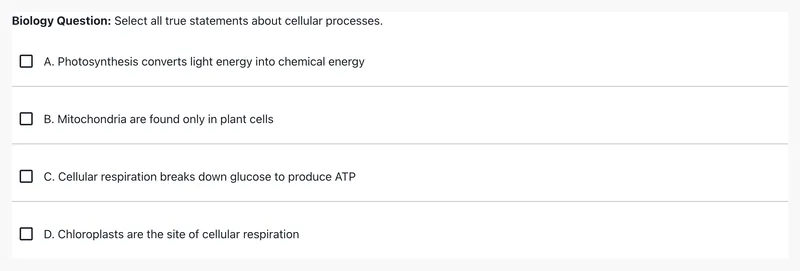
Choice and text · Interaction
Multiple Choice
Choose one or more answers from a list.
Authoring: yes · Print: yes
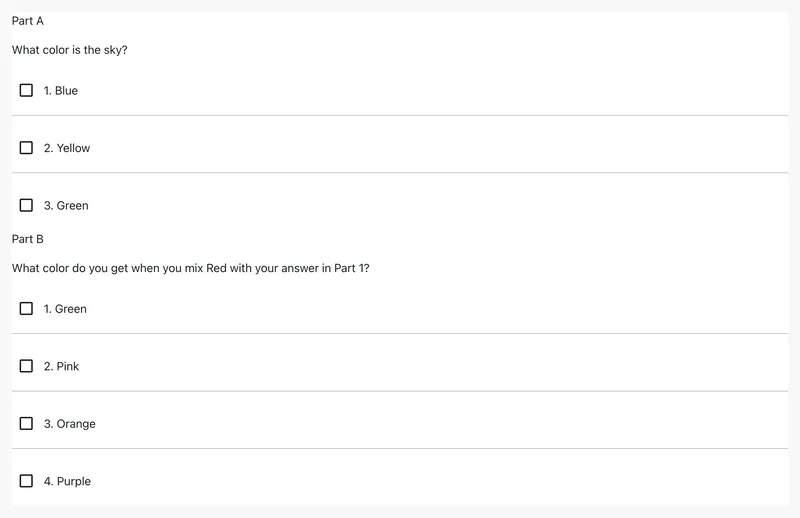
Choice and text · Interaction
EBSR
Answer two linked questions, Part A and Part B.
Authoring: yes · Print: yes

Choice and text · Interaction
Inline Dropdown
Complete a sentence by choosing from dropdown menus.
Authoring: yes · Print: no
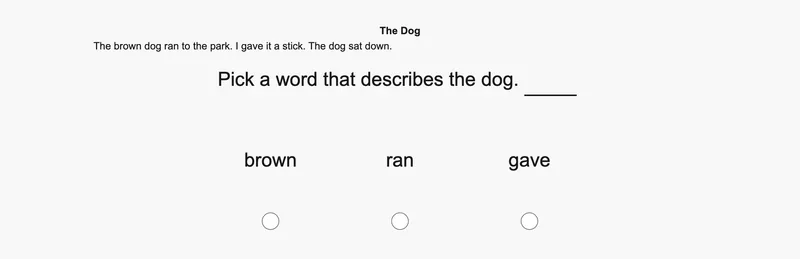
Choice and text · Interaction
MC Populated Blank
Fill a sentence blank by picking a choice.
Authoring: yes · Print: yes

Choice and text · Interaction
Select Text
Select the sentences that answer the question.
Authoring: yes · Print: yes

Choice and text · Interaction
Likert
Rate a statement on an agreement scale.
Authoring: yes · Print: no
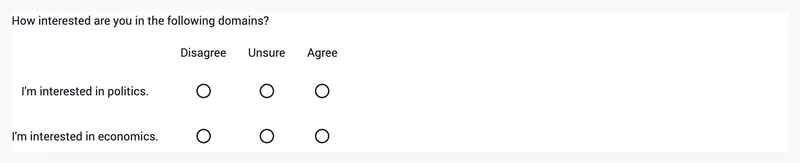
Choice and text · Interaction
Matrix
Rate each row on a shared scale.
Authoring: yes · Print: no

Choice and text · Interaction
Explicit Constructed Response
Type short answers into blanks within a sentence.
Authoring: yes · Print: yes

Choice and text · Interaction
Simple Cloze
Type a short answer to a question.
Authoring: yes · Print: yes

Choice and text · Interaction
Extended Text Entry
Write an extended response in a rich-text editor.
Authoring: yes · Print: yes
Math

Math · Interaction
Math Inline
Enter a math answer with an on-screen keypad.
Authoring: yes · Print: yes

Math · Interaction
Math Templated
Type math answers into blanks in a template.
Authoring: yes · Print: yes
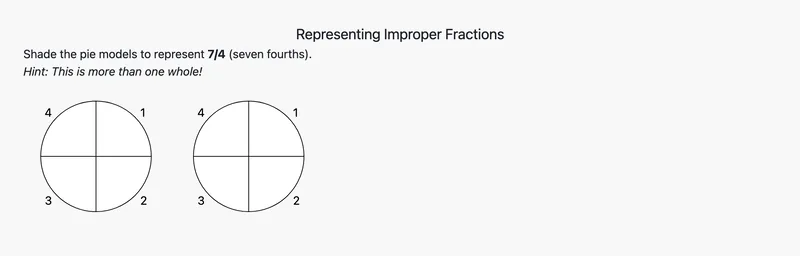
Math · Interaction
Fraction Model
Shade parts of a model to show a fraction.
Authoring: yes · Print: no
Matching and ordering
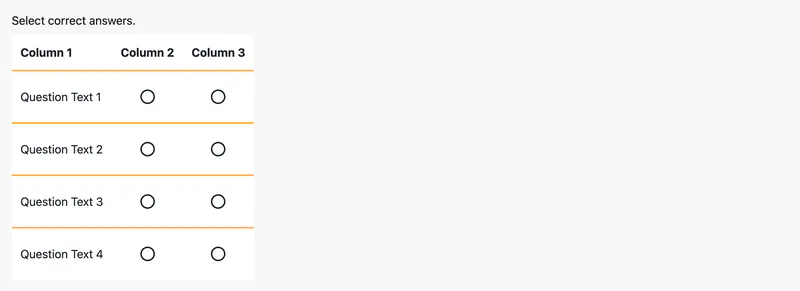
Matching and ordering · Interaction
Match
Mark the correct column for each row.
Authoring: yes · Print: no
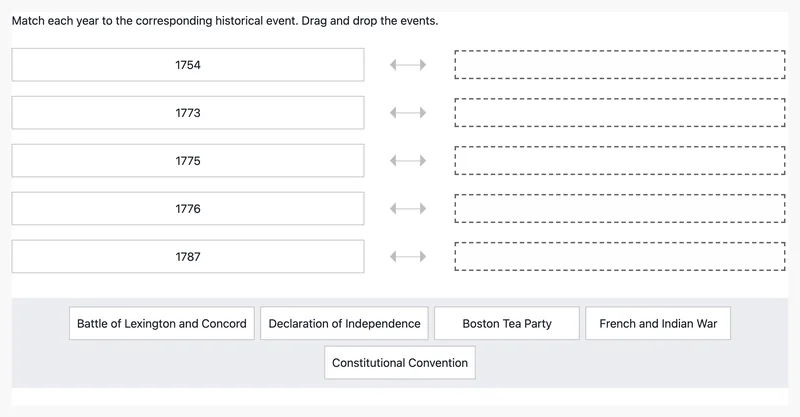
Matching and ordering · Interaction
Match List
Drag answers to match each prompt.
Authoring: no · Print: no
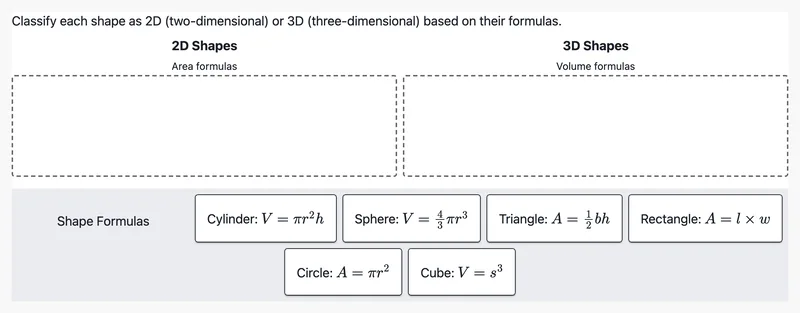
Matching and ordering · Interaction
Categorize
Sort items into categories by dragging.
Authoring: yes · Print: no

Matching and ordering · Interaction
Placement Ordering
Drag items into the correct order.
Authoring: yes · Print: no
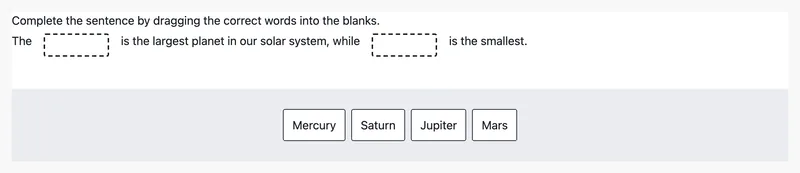
Matching and ordering · Interaction
Drag In The Blank
Drag words into blanks to complete a sentence.
Authoring: yes · Print: no
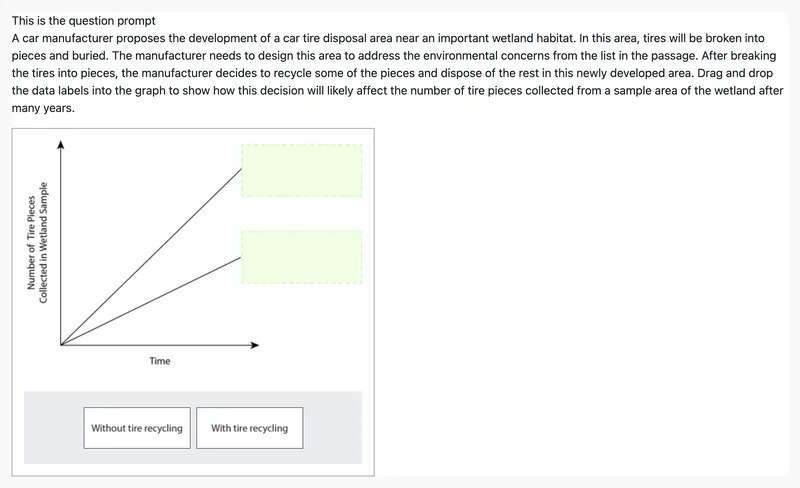
Matching and ordering · Interaction
Image Cloze Association
Drag answers onto the matching spots in an image.
Authoring: yes · Print: no
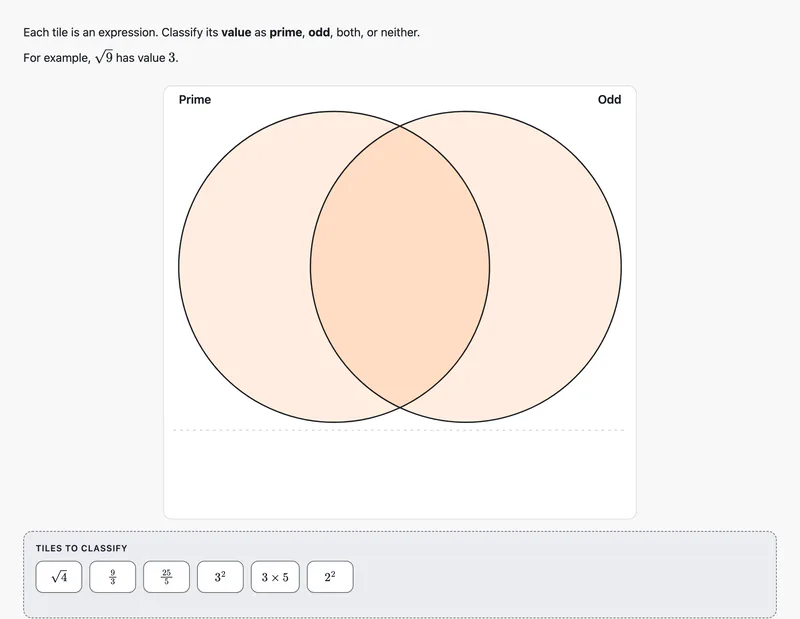
Matching and ordering · Interaction
Venn Classification
Sort items into regions of a Venn diagram.
Authoring: yes · Print: no
Graphs and images
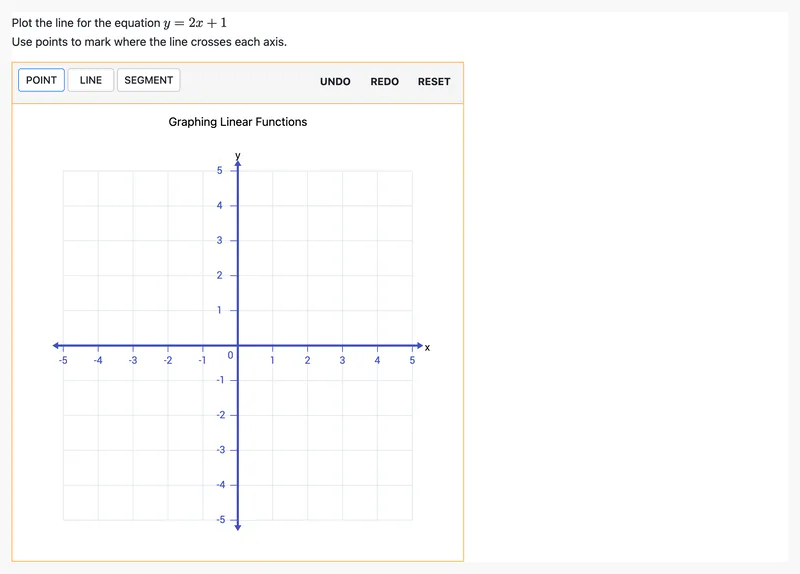
Graphs and images · Interaction
Graphing
Plot points and lines on a coordinate grid.
Authoring: yes · Print: no
Graphs and images · Interaction
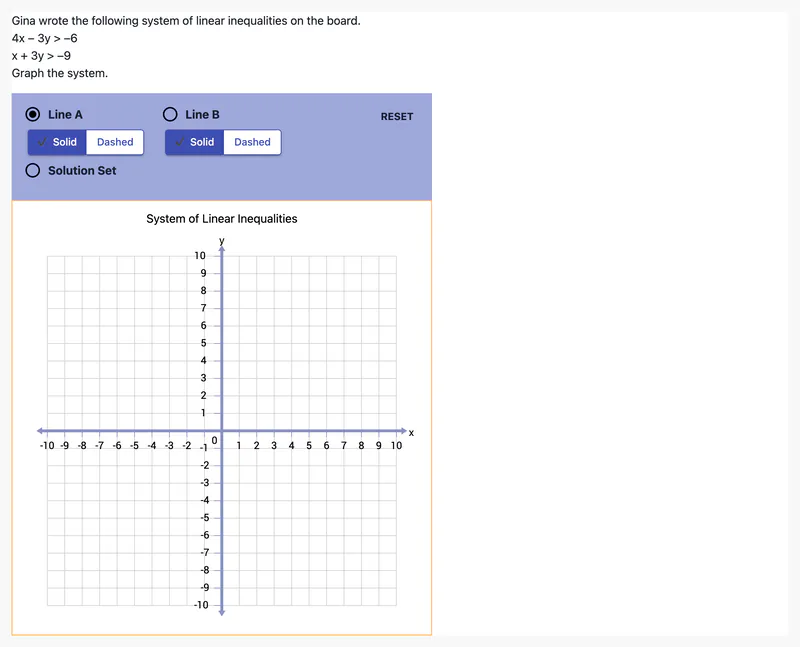
Graphing Solution Set
Graph inequalities and shade the solution region.
Authoring: yes · Print: no
Graphs and images · Interaction
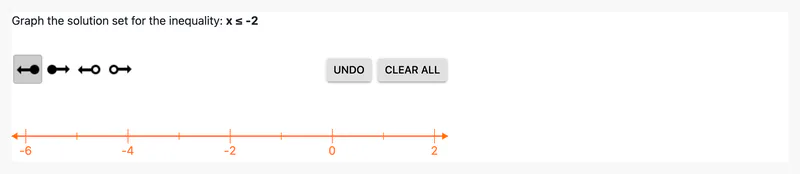
Number Line
Graph an inequality on a number line.
Authoring: yes · Print: no
Graphs and images · Interaction
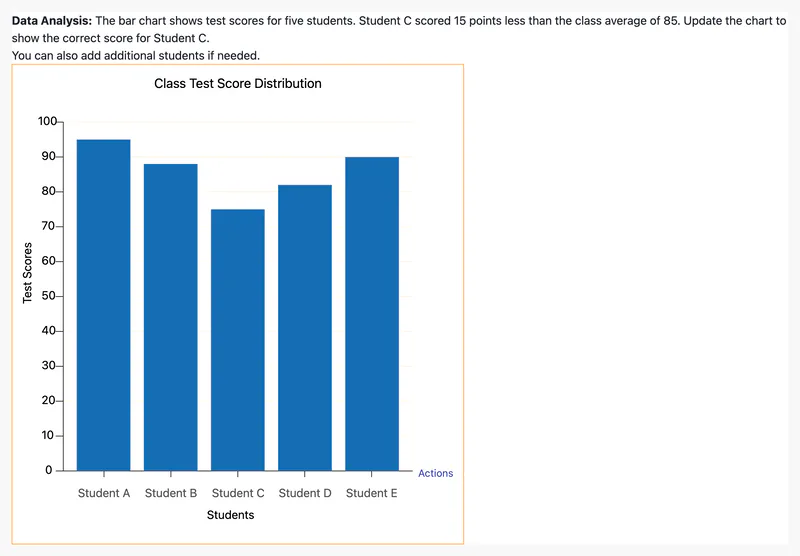
Charting
Set bar heights to complete a chart.
Authoring: yes · Print: no
Graphs and images · Interaction
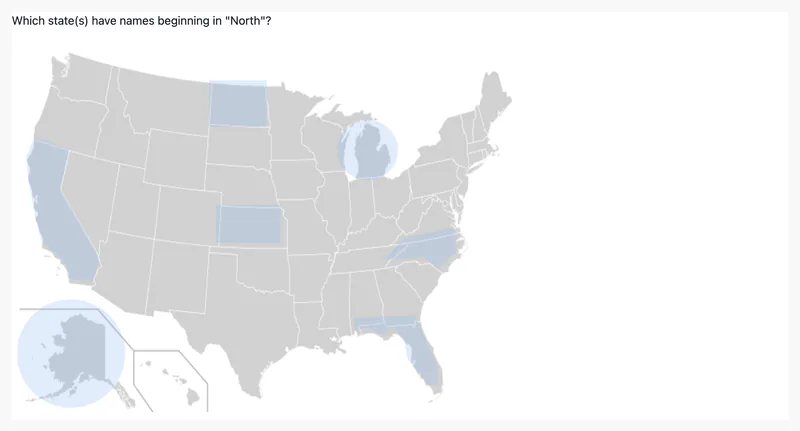
Hotspot
Click the image regions that answer the question.
Authoring: yes · Print: no
Graphs and images · Interaction
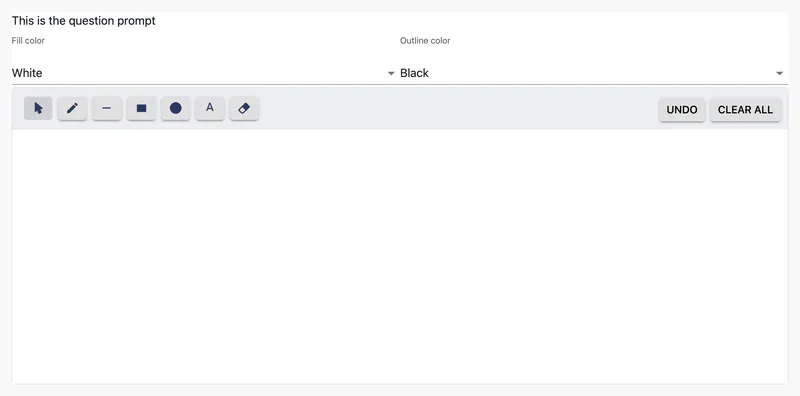
Drawing Response
Draw or annotate an answer on a canvas.
Authoring: yes · Print: no
Content and scoring
Content and scoring · Content
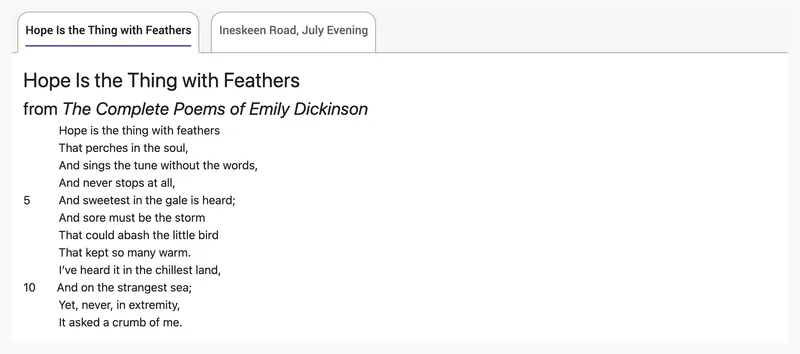
Passage
Read passages in tabs.
Authoring: yes · Print: yes
Content and scoring · Content
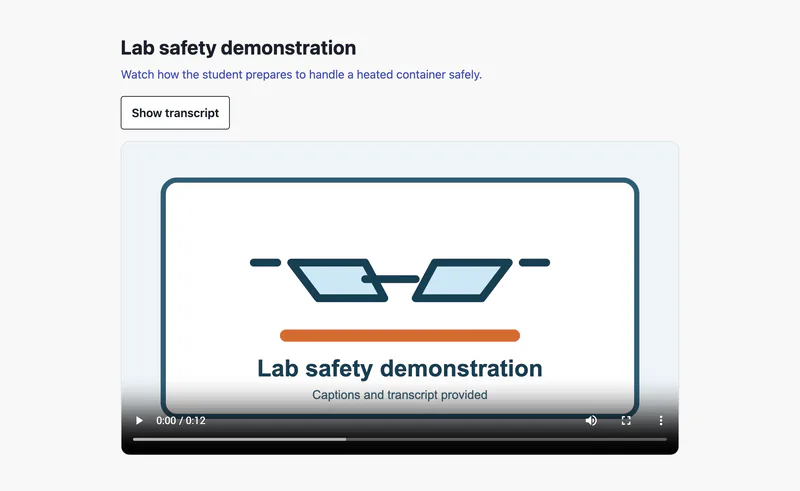
Video Stimulus
Watch a captioned video with a transcript.
Authoring: yes · Print: no
Content and scoring · Rubric
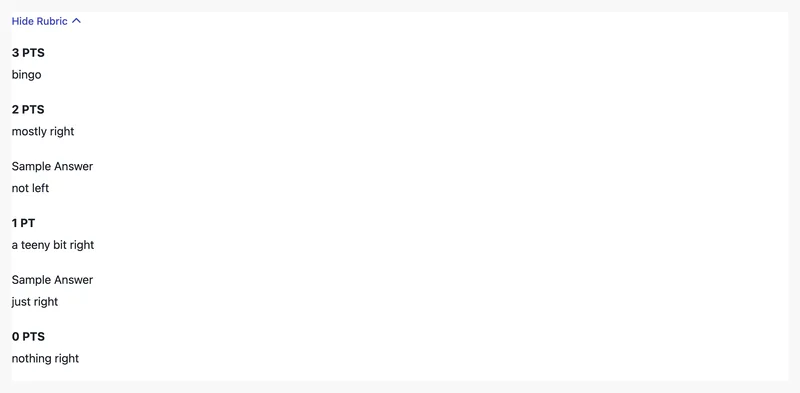
Rubric
Instructor view: score against point descriptors.
Authoring: yes · Print: yes
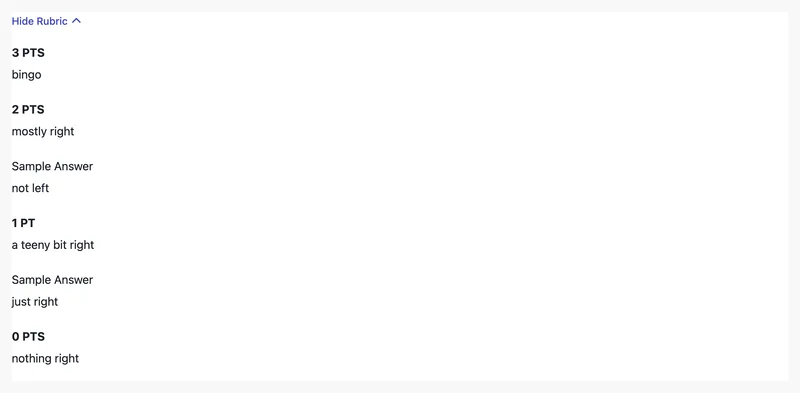
Content and scoring · Rubric
Complex Rubric
Instructor view: score against point descriptors (simple type).
Authoring: yes · Print: yes
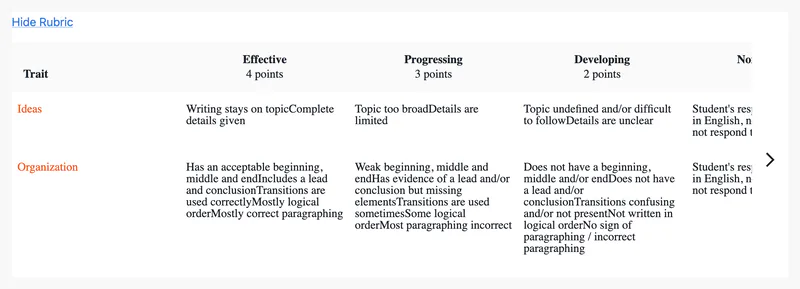
Content and scoring · Rubric
Multi Trait Rubric
Open the rubric to see each trait's levels.
Authoring: yes · Print: no
Custom interactions
Adapt an existing element, combine several in an item, or build a new type.
Build interactions